8 AWS Alternatives for Businesses in 2026

By Jess Lulka
Content Marketing Manager
- Updated:
- 18 min read
Amazon Web Services (AWS) is often the default starting point for cloud computing, but it’s far from the only option. A growing number of startups and digital native enterprises are taking a closer look at AWS alternatives that prioritize simplicity, predictable pricing, and faster time-to-deployment. Whether the motivation is avoiding complex billing, reducing operational overhead, or just wanting a better developer experience, there are other options that don’t require navigating a maze of services just to launch an app.
Choosing an alternative isn’t necessarily about replacing AWS feature-for-feature—it’s about finding the right fit for the way your team actually builds and ships software. Some platforms focus on streamlined infrastructure and transparent costs; others lean into specific strengths such as high-performance compute, global edge delivery, or developer-friendly PaaS workflows. The result is a more flexible ecosystem where you can optimize for speed, control, or budget without automatically defaulting to hyperscale complexity.
Key takeaways:
-
AWS is Amazon’s cloud infrastructure business that provides cloud computing services to organizations through a global network of data centers and offerings for storage, databases, AI/ML workflows, and more.
-
AWS alternatives may provide reduced vendor lock-in, lower computing costs, reduced operational complexity, expanded technical support, and specialized use cases.
-
When evaluating AWS alternatives, consider the overall service portfolio, supported use cases, performance SLAs, cloud type, and cost.
-
AWS alternatives to consider include DigitalOcean, Microsoft Azure, Google Cloud Platform, Vultr, Hetzner, Oracle Cloud, and IBM Cloud.
What is Amazon Web Services (AWS)?
AWS is Amazon’s cloud computing arm, known for its extensive service catalog, deep ecosystem, and global infrastructure footprint. It offers virtual machines, including LightSail, and EC2 (Elastic Compute Cloud), Managed Databases, Managed Kubernetes, object storage through S3, block storage, and more. The platform supports traditional enterprise workloads, cloud-native architectures, and large-scale distributed systems.
AWS key features:
-
AI computing support via Amazon SageMaker and Amazon Bedrock, which includes model training, access to foundation models, inference tooling, and GPU-backed infrastructure, all integrated into its broader cloud platform.
-
Amazon EC2 with a wide range of instance families, including general-purpose, compute-optimized, memory-optimized, storage-optimized, and GPU-backed instances for specialized workloads.
-
Amazon S3 object storage with multiple storage classes, lifecycle policies, and global durability architecture designed for application data, backups, and analytics pipelines.
AWS pricing:
-
EC2 instances: $6.13/month for t4g.micro shared instance with 2 vCPUs, 1 GB RAM, EBS-only storage, and up to 5 Gbps network
-
App Runner: $0.007/vCPU-hour and $0.007/GB-hour starting for active container instances, with configurations ranging from 0.25 vCPU/0.5 GB to 4 vCPU/8 GB
-
GPU instances: $6.88/hour on-demand for p5.4xlarge GPU instance with 16 vCPUs, 256 GiB RAM, 100 Gigabit network, and 1x 3840 GB SSD
Benefits of AWS alternatives
With global availability and a wide range of services (both managed and self-service), you may wonder why you’d evaluate alternatives for AWS. But just because it comes with name recognition doesn’t mean it’s an automatic fit for your organization. Some benefits you may see if you migrate from AWS include:
-
Lower computing costs: AWS’s pricing structure uses percentage-based pricing after you meet a minimum monthly spend, and it often applies to each individual product or service you use. This means your costs can scale quickly as you expand AWS usage. AWS alternatives can provide transparent pricing or flat-rate fees to make billing more predictable and manageable.
-
Reduced operational complexity: AWS can have a steep learning curve, particularly with its user interface and navigating its entire product catalog; you’ll find over 1000 learning resources on Amazon Skill Builder, along with fully developed courses and certifications (through AWS Training) to become familiar with the AWS ecosystem. Non-AWS options may provide more intuitive user interfaces and a less overwhelming product portfolio.
-
Expanded technical support: AWS support is available to all customers, but dedicated, high-priority technical assistance is available only to organizations that can pay for more expansive support plans. Specialized cloud providers may offer hands-on technical support across all tiers, regardless of how much you pay for a support plan.
-
Specialized use cases: Even with its extensive product portfolio, finding the right configuration for a specific use case can be more complicated without products designed for your exact workflows or technical support. This can include specific tooling integrations (such as proprietary software), local regional hosting or compliance, or comprehensive managed services and technical support. Non-AWS providers might be better suited for your organization if you have hyper-specific requirements or need to run specialized workloads.
-
Easier access to AI/ML hardware: Many AWS alternatives provide simpler access to GPU infrastructure without the complex instance selection, quota requests, or regional capacity constraints often associated with hyperscalers. Developers can typically spin up GPU instances in a few clicks for model training, inference, or experimentation, without navigating multiple service layers with alternative providers**.**
How to choose AWS alternatives
When you’re looking at AWS replacements (or as an option for specific workloads or multi-cloud alternative), use this criteria to figure out if another cloud provider is the right option:
-
Overall product portfolio: Inventory the core services you need now (compute, managed databases, Kubernetes, object/block storage, cloud GPUs, networking, security) and the ones you’ll likely adopt next. Then, shortlist the cloud providers that cover both without forcing third-party workarounds or future migrations. Doing so will allow you to filter out cloud providers based on how extensive their services are and if they can support your growth.
-
Developer experience: Ensure that you and your team can understand the tool’s interface, commands, and workflows. The right cloud provider will make it intuitive to provision and update infrastructure, find any necessary resources, and access troubleshooting resources or support as needed.
-
Performance SLAs: Read the SLA fine print on uptime, storage durability, network latency, and support response times; verify against status-page history, and ensure your architecture can actually meet your production SLOs.
-
Cloud type: Decide early whether you need a hyperscaler, developer-focused cloud, regional provider, or hybrid/regulated platform. This determines complexity, control, ecosystem depth, compliance posture, and day-2 operations overhead (routine maintenance, monitoring, and performance optimization).
-
Cost: Calculate the total cost of ownership at your expected scale by modeling compute, data transfer/egress, storage, managed services, and support. Opt for pricing models that align with your growth pattern and are predictable for your team’s budget.
AWS alternatives to consider for your tech stack
There are many cloud hosting providers on the market that might be a better fit for your organization than AWS. These options include AI-focused cloud offerings, other hyperscaler cloud providers, regional clouds, and infrastructure for regulated or legacy deployments.
Pricing and feature information in this article are based on publicly available documentation as of February 2026 and may vary by region and workload. For the most current pricing and availability, please refer to each provider’s official documentation.
*This “best for” information reflects an opinion based solely on publicly available third-party commentary and user experiences shared in public forums. It does not constitute verified facts, comprehensive data, or a definitive assessment of the service.
| Solution | Best for* | Key features | Pricing |
|---|---|---|---|
| DigitalOcean | AI-focused, developer-friendly cloud offering | Gradient™ AI Agentic Cloud with pre-integrated GPU infrastructure; curated portfolio (~30 core services) to reduce architectural sprawl; transparent bandwidth and flat, simple pricing model | Virtual machines: Droplets from $4/month (512 MiB, 1 vCPU, 10 GiB SSD); PaaS: App Platform $0 for static sites, $5/month starting for web apps; GPU (H100): $3.39/GPU/hour on-demand, $1.99/GPU/hour with 12-month commitment |
| Microsoft Azure | Windows ecosystem integration and support | Microsoft Entra ID (Azure AD); Azure Arc & Hybrid Benefit; Azure DevOps & GitHub CI/CD integration | Virtual machines: $6.13/month (B2ts v2 series, pay-as-you-go); PaaS: App Service $0 (F1 Free), $9.49/month (D1 Shared); GPU (H100): $8.82/hour (NC40ads H100 v5) |
| Google Cloud Platform | Developer-focused features and granular ecosystem customization | Google Kubernetes Engine (GKE); BigQuery serverless warehouse; strong open-source ecosystem support | Virtual machines: $6.11/month (e2-micro); PaaS: App Engine $0.05–$0.10/hour (free tier available); GPU: $88.49/hour (A3-highgpu-8g, 8 GPUs) |
| Vultr | Straightforward compute power and high configuration capabilities | Bare Metal servers; free-control-plane Kubernetes (VKE) with GPU node pools; NVMe SSD compute options | Virtual machines: $5/month (1 GB RAM, 1 vCPU); PaaS: Not a native PaaS (infrastructure-focused); GPU (H100): $2.99/hour on-demand |
| Hetzner | European-based hosting and data sovereignty | Shared & dedicated vCPU cloud servers; S3-compatible object storage; integrated private networking | Virtual machines: $4.09/month (CX23 shared vCPU); PaaS: Not offered (self-managed infrastructure); GPU: $205/month + $88 setup (RTX 4000 SFF Ada) |
| Linode (Akamai Cloud) | Minimal technical overhead and Akamai resource integration | Essential & Dedicated Compute VMs; Linode Kubernetes Engine (LKE); Akamai Inference Cloud GPU instances | Virtual machines: $5/month (Nanode 1 GB); PaaS: Akamai App Platform $0 (compute billed separately); GPU: $0.52/hour (RTX 4000 Ada), $1.50/hour (Quadro RTX 6000) |
| Oracle Cloud Infrastructure | Database integrations and support for Oracle shops | Autonomous Database; Dedicated Region & Cloud @ Customer; high-performance compute with isolated VCN | Virtual machines: $27.33/month (1 OCPU, 8 GB RAM baseline); PaaS: Consumption-based (varies by service); GPU: $1,897.20/month (2× NVIDIA P100 baseline config) |
| IBM Cloud | Regulated industries and hybrid deployments | Virtual Servers for VPC; Cloud Paks & OpenShift; watsonx AI with governance tooling | Virtual machines: $78.86/month (2 vCPUs, 8 GB RAM); PaaS: $0.00004185 per vCPU-second; GPU (H100): $85.85/hour or ~$62,679/month (8× NVIDIA H100) |
AI-first clouds with an integrated product portfolio
If your organization is exploring AI development and production, select a cloud provider that offers the tools to support these workflows.
DigitalOcean with an AI-focused, developer-friendly cloud offering
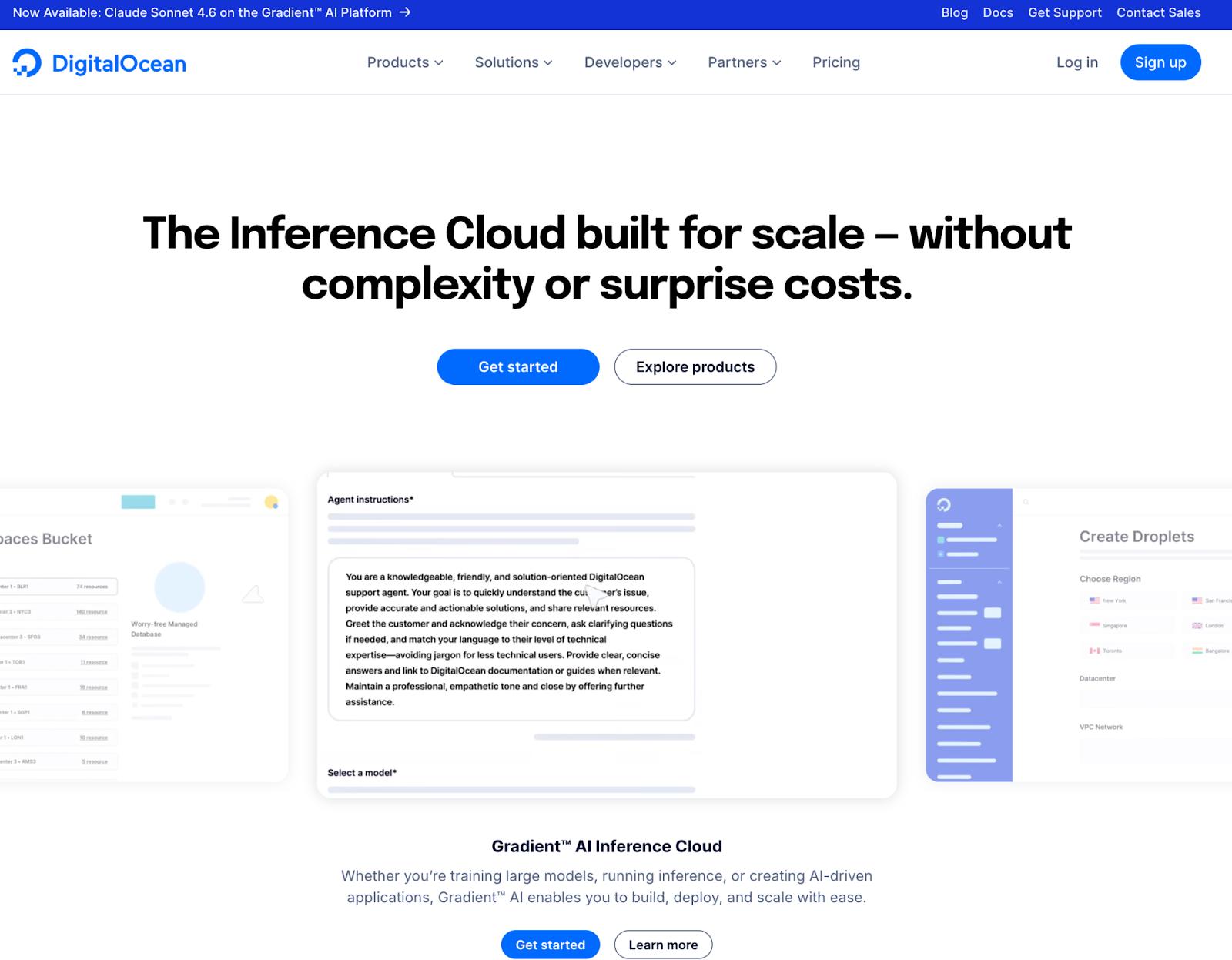
DigitalOcean is a cloud infrastructure provider that delivers an integrated cloud and AI platform for digital native enterprises and AI-native businesses. Its architecture combines a general-purpose cloud—covering compute, storage, networking, managed databases, PaaS, and Kubernetes—with its DigitalOcean Gradient™ AI Agentic Inference Cloud, a purpose-built suite for developing and running AI workloads. The platform is designed to reduce operational complexity with an intuitive user interface and streamlined compute environment for easy product integration. DigitalOcean supports both greenfield AI-native applications and migrations from other cloud providers. Its AI offerings include GPU-based Droplet® virtual servers, serverless inference, and a platform that can deploy ready-to-use AI agents.
DigitalOcean key features:
-
AI infrastructure through the Gradient AI Platform, combining GPU compute, storage, networking, and managed Kubernetes without requiring separate AI service catalogs or cross-product configuration.
-
Transparent pricing cloud bandwidth and structure with clearly documented data transfer policies, reducing the need to model inter-service and inter-region egress scenarios common in large hyperscaler environments.
-
Curated product portfolio with approximately 30 core services, limiting architectural sprawl compared to hyperscaler ecosystems that span hundreds of services and specialized SKUs.
DigitalOcean pricing:
-
Droplets: $4/month starting for basic VMs with 512 MiB memory, 1 vCPU, 10 GiB SSD, and 500 GiB transfer
-
App Platform: $0 for static sites; $5/month starting for basic web apps with automatic scaling and built-in CI/CD
-
GPU Droplets: $3.39/GPU/hour on-demand for NVIDIA H100 GPU instances, or $1.99/GPU/hour with a 12-month commitment
Comparing AWS vs DigitalOcean for your next project? Our overview breaks down how each platform approaches core cloud services, operational experience, and ecosystem depth—helping you see where simplicity and developer-centric design differ from hyperscaler scale and breadth.
Hyperscaler cloud alternatives
If you want another hyperscaler cloud option, Microsoft Azure and Google Cloud are two options to evaluate during the cloud selection process. These options have an extensive service portfolio, but can come with technical learning curves and complex pricing models.
Microsoft Azure with Windows ecosystem integration and support
Microsoft Azure is a hyperscaler cloud platform that delivers compute and enterprise application services across Microsoft’s global infrastructure. Azure integrates closely with Microsoft’s enterprise ecosystem, including Windows Server, Active Directory, and .NET, making it a common choice for organizations operating within Microsoft-centric IT environments. The platform supports traditional enterprise workloads and cloud-native application development through managed Kubernetes, serverless functions, and DevOps tooling. Azure also includes AI and machine learning services through Azure AI and Azure Machine Learning, offering model training and deployment, access to foundation models, and GPU-backed infrastructure, all integrated into its broader cloud platform.
Microsoft Azure key features:
-
Azure Active Directory (Microsoft Entra ID) for centralized identity and access management across cloud and on-premises environments with role-based access control and policy enforcement.
-
Azure Hybrid Benefit and Azure Arc, which extend Azure management, governance, and policy controls to on-premises and multicloud infrastructure.
-
Azure DevOps and GitHub integration for CI/CD pipelines, artifact management, and infrastructure-as-code workflows within Azure-hosted environments.
Microsoft Azure pricing:
-
Virtual machines: $6.132/month for basic B2ts v2 series (pay-as-you-go pricing)
-
Azure App Service: $0 for F1 Free Plan; $9.49/month per site for D1 Shared Plan
-
Cloud GPUs (H100): $8.820/hour for NC40ads H100 v5 with 40 vCPUs, 320 GB RAM, 3576 GB temporary storage
Comparing DigitalOcean vs Azure can help you see how cloud approaches differ in practice. Our breakdown highlights each platform’s core services, feature breadth, and developer experience so you can weigh simplicity and focus against enterprise-scale capabilities.
Google Cloud Platform with developer-focused features and granular ecosystem customization
Google Cloud Platform delivers infrastructure, data, and application services built on Google’s distributed systems architecture. It is commonly associated with data-intensive and cloud-native workloads, as its services are designed to support containerized applications, large-scale analytics, and distributed systems. Its infrastructure operates across a global network of regions and edge locations, supporting enterprise, startup, and digital-native use cases. Google Cloud also offers AI and machine learning services through its Vertex AI platform and generative AI offerings, providing access to foundation models, model training and tuning, managed inference, and GPU-backed infrastructure integrated with its data and application services. It’s known for its data platform capabilities, Kubernetes leadership, and AI integration within its broader cloud ecosystem.
Google Cloud Platform key features:
-
Google Kubernetes Engine (GKE), a managed Kubernetes service built on the same container orchestration technology used internally at Google, with integrated networking, autoscaling, and cluster management capabilities.
-
BigQuery, a fully managed, serverless data warehouse designed for large-scale analytics and integration with machine learning workflows.
-
Support for open source standards such as PostgreSQL, Apache, GitLab, Jenkins, OSV, PyTorch, and TensorFlow across different development areas.
Google Cloud Platform pricing:
-
Compute Engine: $6.11/month for e2-micro shared instance with 2 vCPUs and 1 GiB RAM
-
App Engine: $0.05–$0.10/hour per instance, depending on environment (Standard or Flexible) and instance class, with free tier quotas available
-
GPU instances: $88.49/hour on-demand for A3-highgpu-8g instance with 8 GPUs, 208 vCPUs, and 1872 GiB RAM
Getting reliable help when you need it can make all the difference. This Google Cloud support overview walks through the support tiers, response expectations, and service options Google Cloud offers—so you know what to expect.
Budget-friendly cloud options
If you’re looking for the best value cloud provider, there are several options available that can provide you with affordable computing power. However, some feature sets might be more limited than those in AWS.
Vultr with straightforward compute power and high configuration capabilities
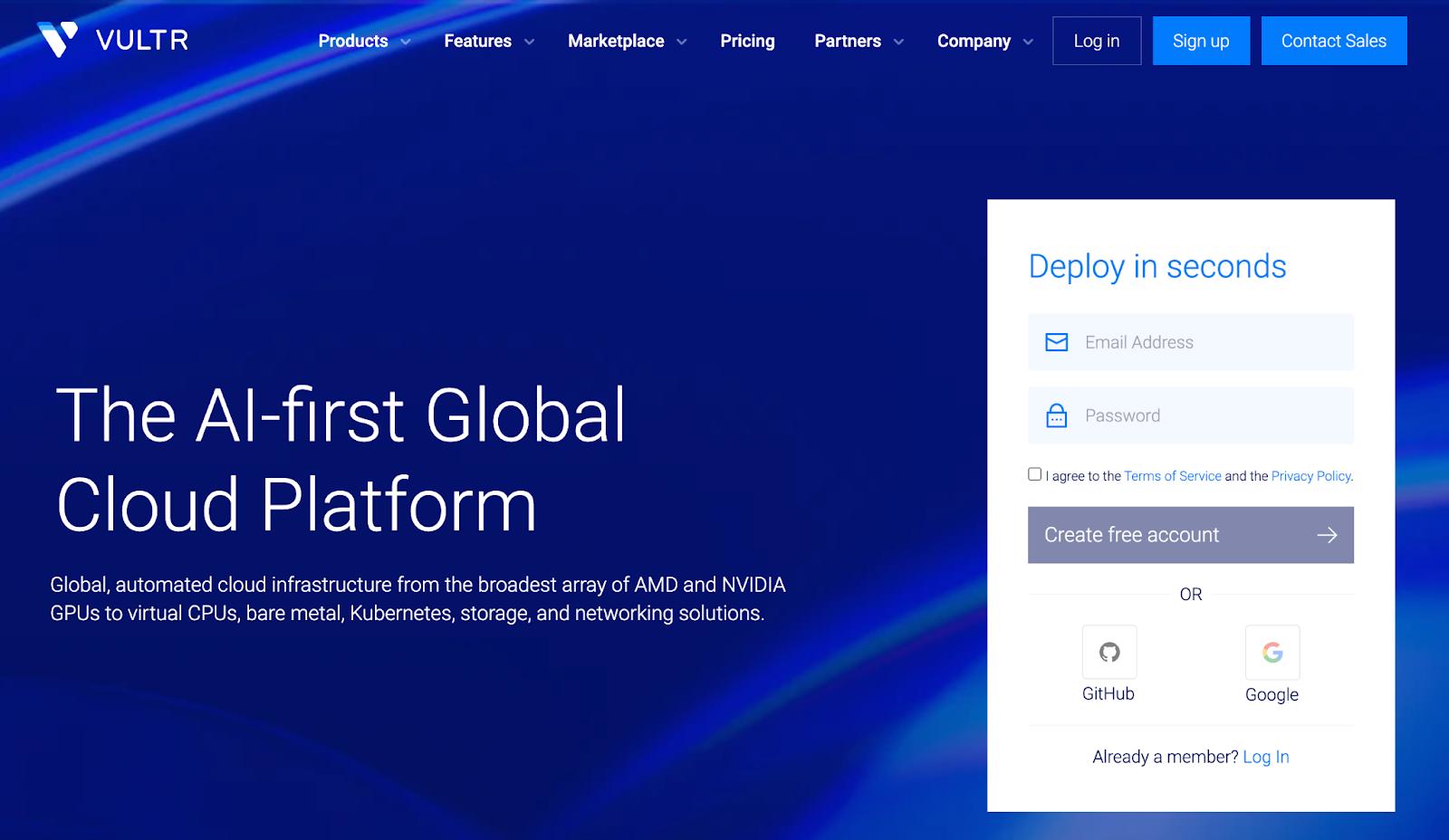
Vultr is a global cloud infrastructure provider that provides a broad geographic footprint, hardware flexibility, and a simplified provisioning model compared to hyperscalers. Its platform supports shared and dedicated virtual machines, NVMe SSD-backed instances, object storage, and single-tenant bare-metal deployments, with an emphasis on performance-oriented, configurable infrastructure. Vultr is an option for teams seeking infrastructure control and GPU access. It also provides AI and machine learning infrastructure through its Cloud GPU portfolio, offering both virtualized and bare metal GPU instances integrated into its core networking and storage stack.
Vultr key features:
-
Bare Metal servers that provide single-tenant access to dedicated hardware for performance-sensitive or compliance-driven deployments.
-
Vultr Kubernetes Engine (VKE) with a free managed control plane, support for GPU node pools, and integration with Vultr Load Balancers and Block Storage.
-
NVMe SSD-backed Cloud Compute instances with High Performance and High Frequency plans designed for latency-sensitive and compute-intensive workloads.
Vultr pricing:
-
Cloud Compute: $5/month starting for Shared CPU with 1 GB RAM, 1 vCPU, 25 GB SSD
-
GPU instances: 2.99/hour on-demand for NVIDIA H100 GPU instances
Vultr offers hardware flexibility and high customization, but there are providers that offer similar pricing and managed services. Learn about the 10 main Vultr alternatives available on the market for developers in 2026.
Hetzner with European-based hosting and data sovereignty
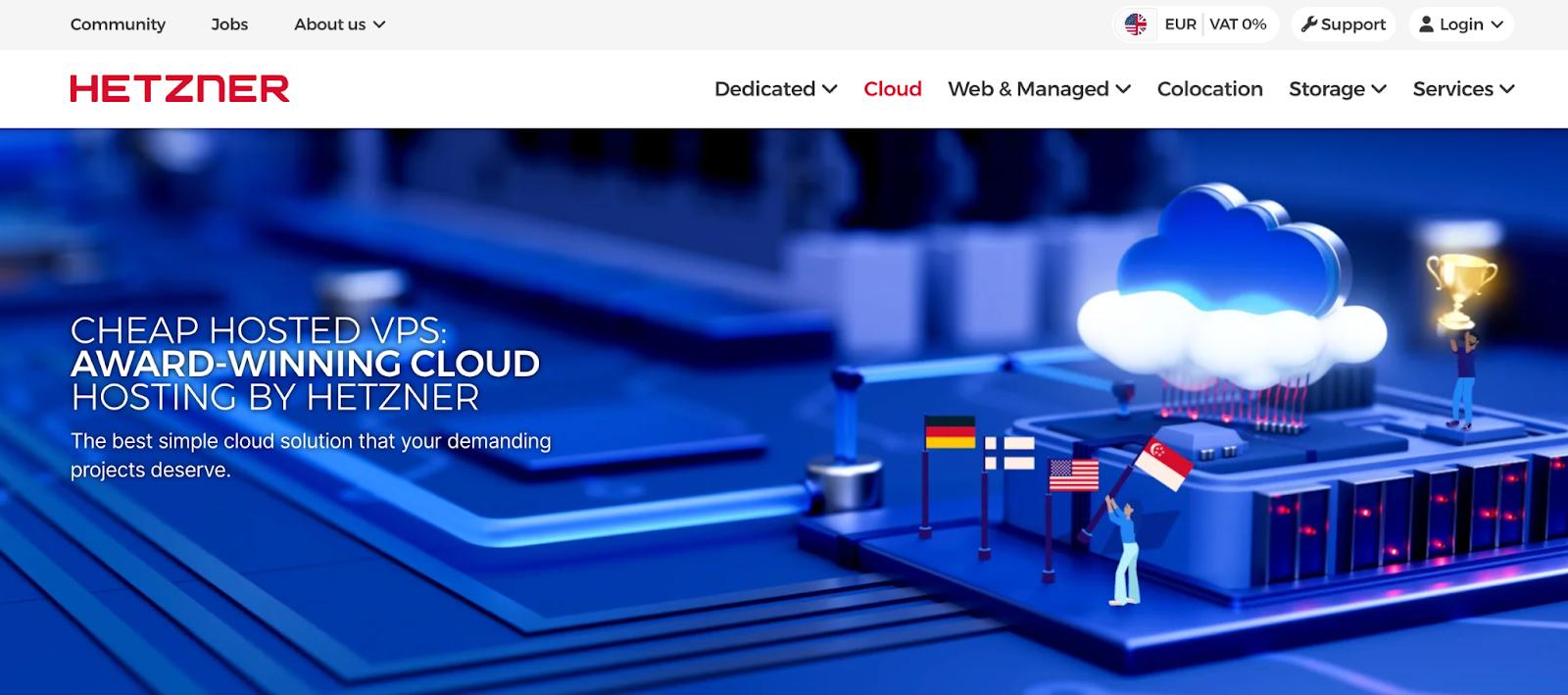
Hetzner is a Germany-based infrastructure provider offering cloud servers, storage, and networking services across European and select U.S. data center locations. Its cloud offerings include virtual machines, block storage volumes, object storage, load balancers, and private networking, designed for developers and teams seeking cost-efficient infrastructure with direct configuration control. These deployments mean users can configure and operate their own stacks, though it does require more technical knowledge to configure and deploy this infrastructure. Organizations may opt for Hetzner for its European data residency options and straightforward infrastructure model.
Hetzner key features:
-
Hetzner Cloud Servers with shared vCPU and dedicated vCPU instance types, customizable snapshots, and integrated private networking within project-based environments.
-
Hetzner Load Balancers with automated health checks, TLS termination, and support for distributing traffic across multiple Cloud Servers.
-
Block Storage Volumes and S3-compatible Object Storage with scalable capacity and API-based management for application and backup workloads.
Hetzner pricing:
-
Cloud Servers: $4.09/month starting for CX23 cost-optimized shared vCPU instances with 2 vCPUs, 4 GB RAM, 40 GB NVMe SSD, and 20 TB included traffic
-
Dedicated GPU Servers: $205/month plus $88 setup fee starting for NVIDIA RTX 4000 SFF Ada (GEX44)
Linode (Akamai Cloud) with minimal technical overhead and Akamai resource integration
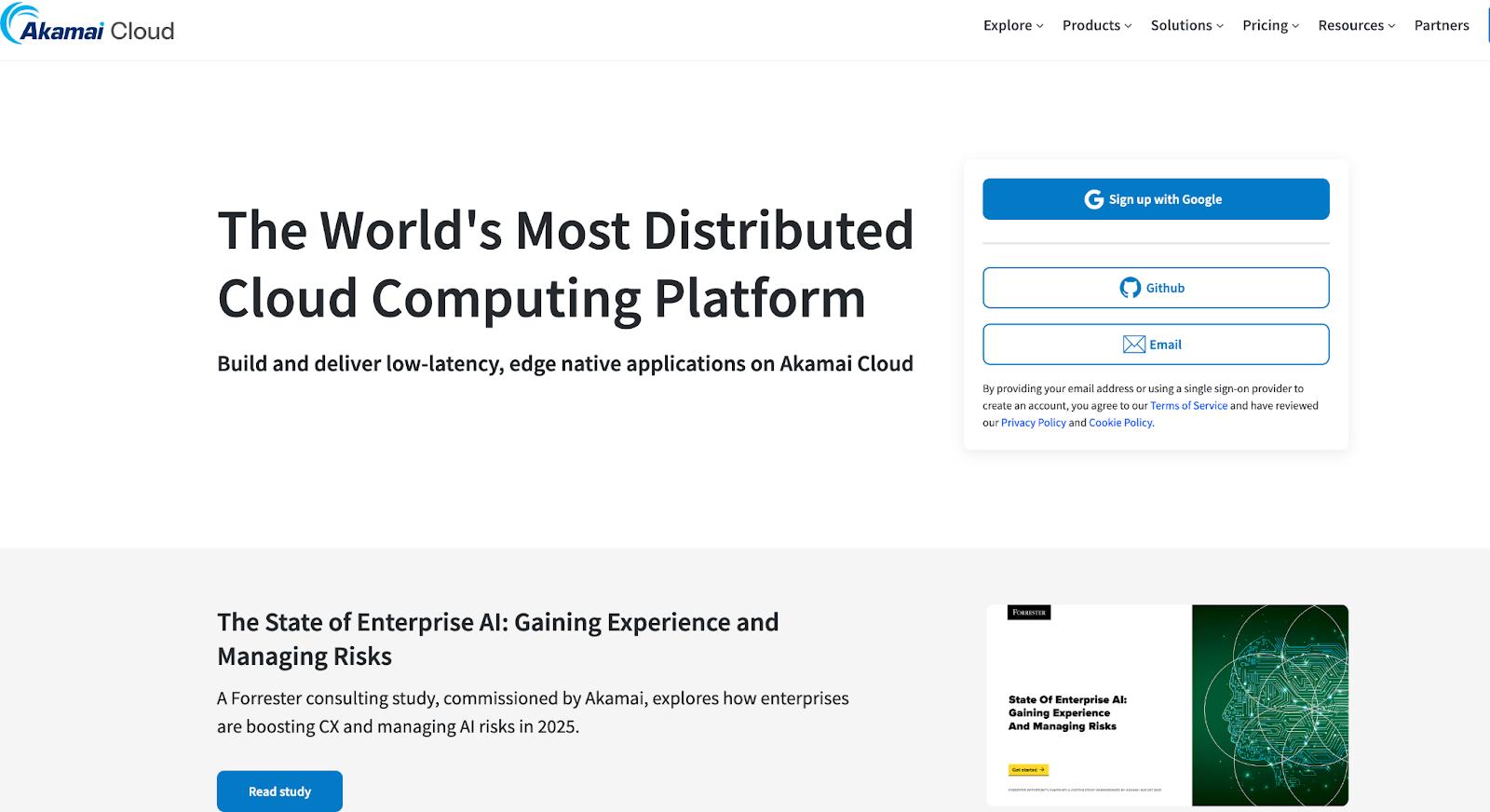
Linode (now part of Akamai Cloud) is a developer-focused alternative to hyperscalers, with predictable infrastructure services and direct configuration control through Linux deployments. With its integration with Akamai’s broader network and security services, the platform supports distributed applications and performance-sensitive workloads. It is generally known for its streamlined infrastructure catalog and edge-integrated cloud footprint rather than expansive managed service breadth. Linode also offers AI infrastructure through the Akamai Inference Cloud platform, providing GPU-backed instances and inference-optimized environments designed to support model deployment and AI workloads within its broader cloud ecosystem.
Linode key features:
-
Essential Compute and Dedicated CPU virtual machines with configurable plans, integrated VPC networking, and API-driven provisioning for Linux-based workloads.
-
Linode Kubernetes Engine (LKE) with a managed control plane, automated node recovery, and integration with Linode Load Balancers and Block Storage.
-
Akamai Inference Cloud GPU instances supporting NVIDIA RTX 4000 Ada and Quadro RTX 6000 GPUs for AI inference and machine learning workloads.
Linode pricing:
-
Compute: $5/month starting for Nanode 1 GB Shared CPU with 1 GB RAM, 1 CPU, 25 GB storage, and 1 TB transfer
-
Akamai App Platform: $0 (free); runs on LKE infrastructure with consumption-based pricing for underlying compute resources
-
GPU Instances: $0.52/hour ($350/month) for RTX 4000 Ada; $1.50/hour ($1,000/month) for Quadro RTX 6000
If you’re evaluating DigitalOcean vs Linode vs Vultr, this comparison breaks down how each provider approaches core compute, networking, and developer experience—highlighting where simplicity and predictable workflows differ so you can pick the right platform.
Specialized cloud providers for regulated industries
There might be cases where AWS’s portfolio isn’t sufficiently regulated or requires specific technology (such as Oracle Linux) to run your workloads. Here are some cloud offerings that can support government, financial, and regulated use cases.
Oracle Cloud with database integrations and support for Oracle shops
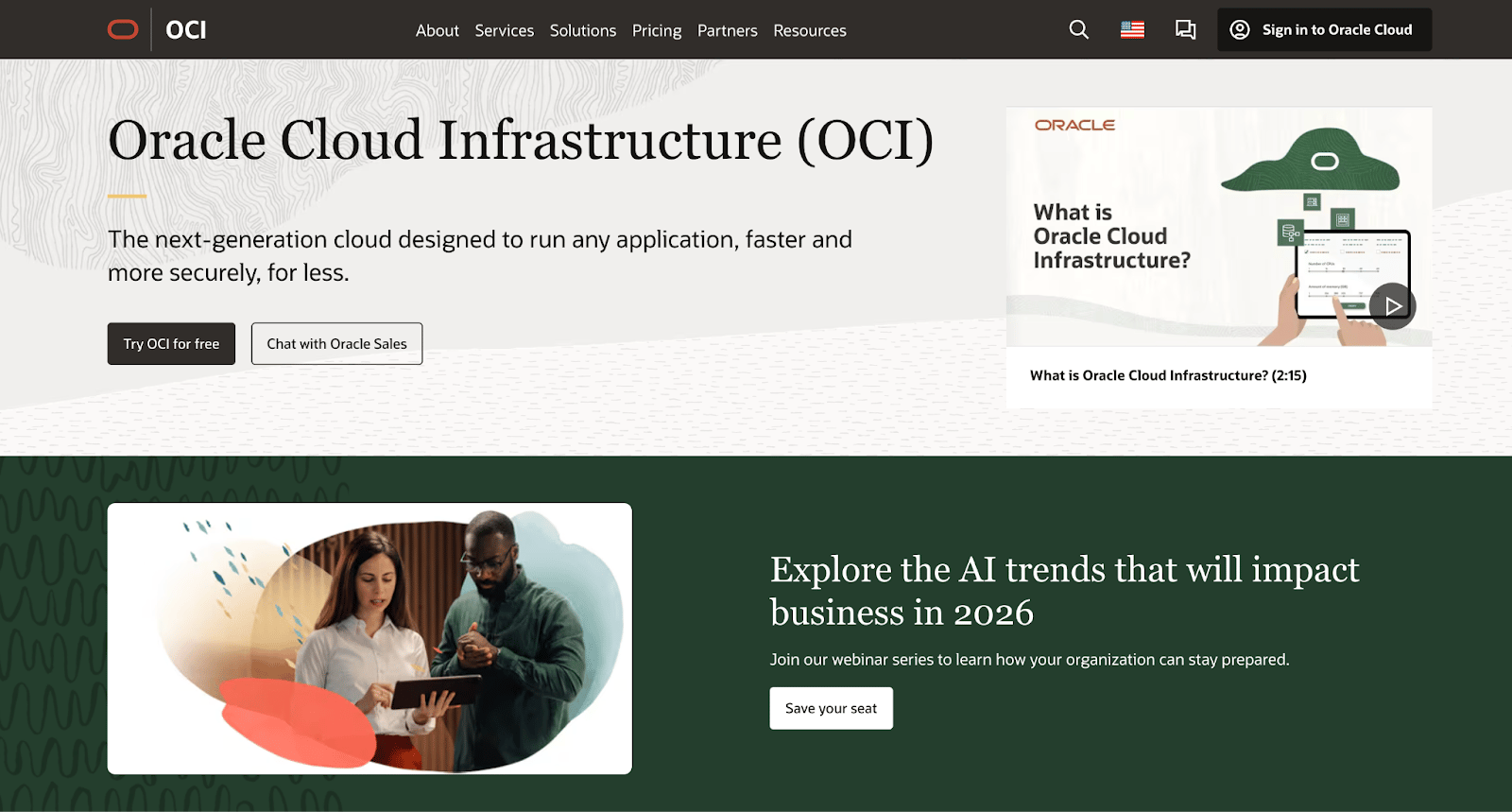
Oracle Cloud Infrastructure (OCI) is a platform designed to support mission-critical workloads with flexible computing infrastructure and streamlined cloud migration. OCI emphasizes support for large-scale enterprise applications, including Oracle’s own database and business software portfolio, while also supporting cloud-native development through containers, Kubernetes, and serverless services. The platform is an option for organizations running database-intensive, transactional, or regulated workloads that require performance consistency and deployment flexibility. It also includes AI and machine learning services, such as prebuilt AI services, model training and deployment tools, and GPU-based infrastructure, integrated into its broader cloud platform.
Oracle Cloud key features:
-
Autonomous Database with self-driving, self-securing, and self-repairing capabilities designed to automate database management tasks.
-
OCI Dedicated Region and Cloud@Customer deployments that bring Oracle Cloud services into customer data centers for hybrid and regulatory requirements.
-
OCI Compute offers bare-metal and virtual machine instances that support high-performance workloads and network isolation through its virtual cloud network (VCN) architecture.
Oracle Cloud pricing:
-
Virtual machines: $27.33/month starting for AMD EPYC 7113 processor with 1 OPCU, 8 GB of RAM and autonomous Linux OS. Block volumes storage is an additional cost of $8.50/month with this configuration.
-
GPU-accelerated compute: $1,897.20/month starting for 2x NVIDIA P100 Pascal Architecture, 32 GB of RAM, and an autonomous Linux OS. Block volumes storage is an additional cost of $8.50/month with this configuration.
Estimates taken from the Oracle Cloud cost estimator with the baseline of 744/hrs/month of use. Values will fluctuate depending on your hypothetical configuration.
IBM Cloud with options for highly regulated industries and hybrid deployments
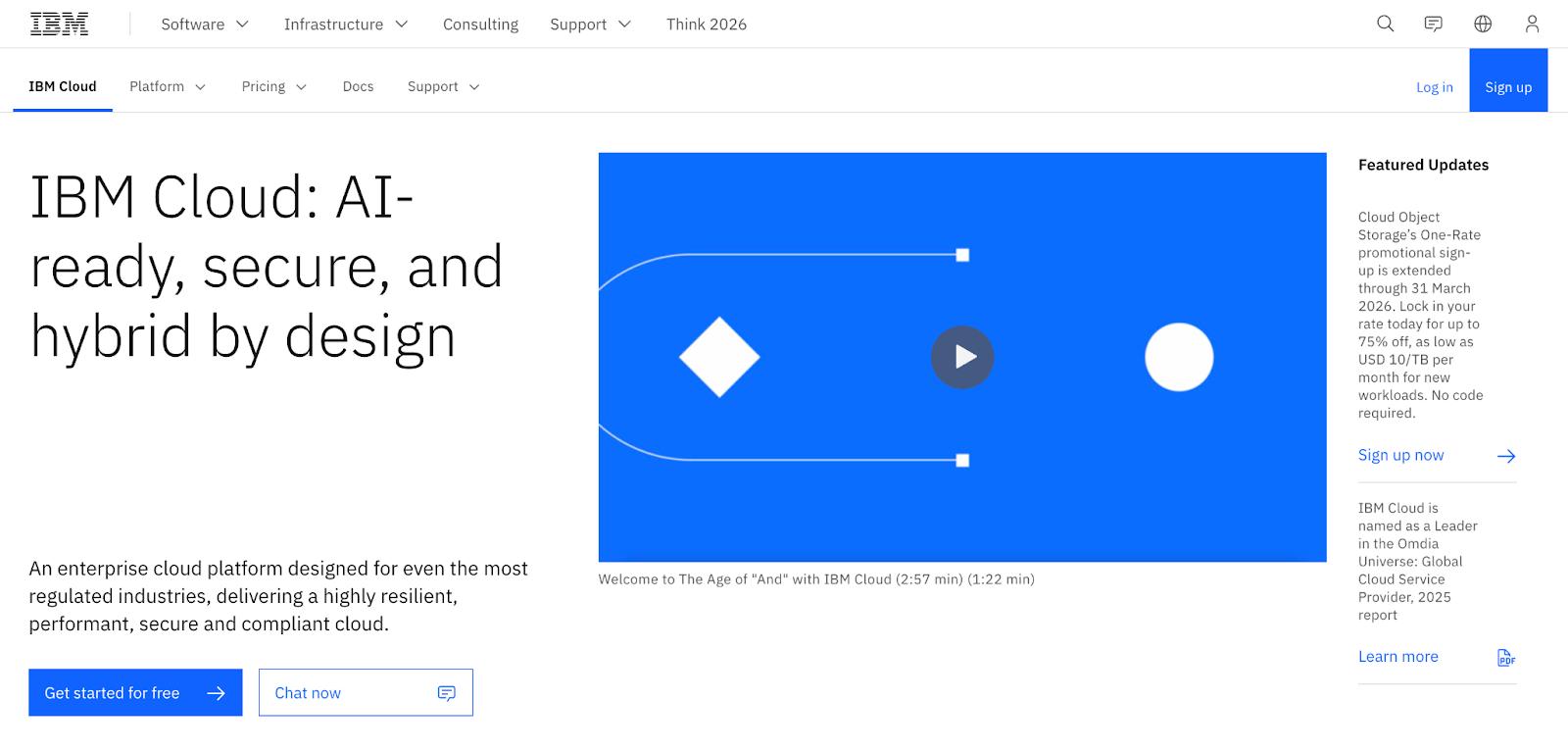
IBM Cloud is a hybrid cloud computing platform that supports deployments for regulated industries such as finance and government. It provides infrastructure, platform, and managed services designed to integrate with existing on-premises systems, along with 230 products to help run your infrastructure. IBM Cloud combines virtual servers, bare-metal infrastructure, Kubernetes, and managed databases, with hybrid cloud capabilities built on Red Hat OpenShift and Cloud Paks. Its use cases include modernizing legacy workloads, building cloud-native applications, or operating across multicloud environments. You can also access AI capabilities through watsonx, including foundation models, model governance, and tooling for building and deploying AI workloads in hybrid cloud environments.
IBM Cloud key features:
-
IBM Cloud Virtual Servers for VPC that provide configurable compute instances with integrated networking and security controls within isolated virtual private cloud environments.
-
Object storage designed for unstructured data workloads with cross-region resiliency and policy-based data lifecycle management.
-
IBM Cloud Code Engine, a fully managed serverless platform for running containerized workloads, batch jobs, and functions without managing underlying infrastructure.
IBM Cloud pricing:
-
Virtual Server for VPC: $78.86/month. Includes 2 vCPUs, 8 GB of RAM, 4 Gbps bandwidth and CentOS Stream 9 minimal install.
-
Code Engine PaaS: $0.00004185 per vCPU second and $0.00000434 per GB second for applications and functions.
-
GPU-accelerated compute: $85.85/hour or $62,679/month on Virtual Server for VPC. Includes 8 NVIDIA H100 GPUs, 160 vCPUs, 1792 GB of RAM, and 200 Gbps bandwidth in North American data center.
Estimates taken from the IBM Cloud cost estimator with the baseline of 744/hrs/month of use. Values will fluctuate depending on your hypothetical configuration.
AWS alternatives FAQ
What are the best alternatives to AWS?
DigitalOcean is an excellent alternative for AI-native startups and digital native enterprises who need high-performance cloud infrastructure without the complexity or high costs of AWS. Other contenders include Google Cloud Platform for AI-intensive workloads, Microsoft Azure for teams deeply integrated into the Microsoft software ecosystem, Vultr for those requiring bare metal servers, along with Hetzner, Linode, Vultr, Oracle Cloud, and IBM Cloud.
How much can I save by switching from AWS?
The amount your organization will save switching from AWS depends on your custom configuration and the new cloud provider you choose. The most significant savings are found in data transfer and egress fees, where providers such as DigitalOcean include generous bandwidth allowances in their base pricing.
Is it difficult to migrate from AWS to another cloud provider?
Migrating from AWS is straightforward because core cloud components generally map to alternatives from other cloud providers. DigitalOcean Spaces utilizes an S3-compatible API, allowing you to move data and update your application with minimal configuration changes. DigitalOcean also offers free migration services, with experts and partners handling the entire transition to ensure a stress-free go-live experience.
Are there simpler alternatives to the big cloud providers?
DigitalOcean is a top-tier simple alternative to big cloud providers that focuses on core infrastructure services like virtual machines, managed Kubernetes, object storage, and its DigitalOcean Gradient AI Agentic Inference Cloud. By offering a clean, intuitive interface and predictable per-token pricing, it allows developers to launch cloud computing and AI/ML applications quickly without needing a dedicated cloud infrastructure expert.
DigitalOcean: Your developer-friendly cloud for digital-native enterprises
DigitalOcean gives developers at AI-native startups and digital native enterprises everything they need to build, deploy, and scale modern applications. From virtual machines to fully managed platforms for containers, databases, and AI workloads, DigitalOcean’s cloud computing offerings are designed to be intuitive, flexible, and production-ready. With straightforward, predictable pricing and powerful APIs, you can move from idea to production quickly while staying in control of your infrastructure.
Key features:
-
Scalable Droplet® virtual machines for general compute and custom workloads
-
Fully managed Kubernetes, databases, and object storage for production apps
-
App Platform for building and deploying applications without managing servers
-
GPU-powered infrastructure and AI-ready Droplets for model training and inference
-
Managed AI services for building, deploying, and scaling LLM-powered applications
-
Global data center regions with built-in networking and security
-
Simple control panel, CLI, API, and Terraform support for automation
-
Predictable, transparent pricing with no long-term contracts
Get started with DigitalOcean to build reliable applications, scale with confidence, and spend less time managing infrastructure—and more time shipping code.
DISCLAIMER: Any references to third-party companies, trademarks, or logos in this document are for informational purposes only and do not imply any affiliation with, sponsorship by, or endorsement of those third parties
About the author

Jess Lulka is a Content Marketing Manager at DigitalOcean. She has over 10 years of B2B technical content experience and has written about observability, data centers, IoT, server virtualization, and design engineering. Before DigitalOcean, she worked at Chronosphere, Informa TechTarget, and Digital Engineering. She is based in Seattle and enjoys pub trivia, travel, and reading.
Start building today
From GPU-powered inference and Kubernetes to managed databases and storage, get everything you need to build, scale, and deploy intelligent applications.
